
Notes: Images below are linked to URLs, making them clickable and will send you to websites.
They can also be linked to other pages instead of external URLs.
For example, the Blues image on main page is linked to an internal non live page (details) and then each image is also linked to an external URL (via edit gallery).
When an image is active in lightbox and is set to also clickable - be it to a website (i.e., catalogs) or another page within this website (details) at the same time (it won’t activate URLs when in lightbox action. Lightbox won’t work if all images are linked because the click activates before the scroll feature (lightbox).
This system could work for Catalogs, Series and Individual Detail actions. Can create as many pages with images as wanted for each image here. “Non-linked” pages in Pages section. See also Stitch section in Work_Show KC
Once here these images can be set to lightbox/scroll. See Stitch section and catalog cover - can click it and go to website when viewing all on the page and can also just scroll through all images without it sending you to website. See Blue Hats Series.
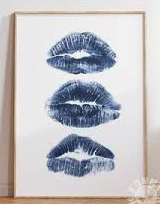
Blue Lip Print 16 x 20
Blue Lip Fabric
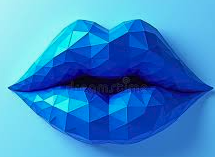
Blue Lip Sculpture
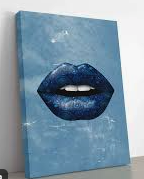
Blue Lip Painting 18 x 24